A familiar problem shows up once a small business starts getting traction. New leads come in through forms, email, social, referrals, and paid campaigns. One person updates the CRM by hand, another sends follow-ups when they have time, and nobody is fully sure which messages are producing revenue. That is usually the point where growth starts to strain the team instead of helping it.
Marketing automation helps fix that operational drag, but software alone does not fix the system behind it. The right tool should match the way the business sells, the amount of customer data it can realistically maintain, and the level of complexity the team can manage week after week. A retailer needs different automation than a service business with a longer sales cycle. A founder-led company with one marketer needs a different setup than a team with sales support, content, and paid acquisition already in place.
That is where small businesses often make the wrong call. They buy for features, not fit. A platform can look affordable at the start, then become expensive once contact counts rise, workflows multiply, or reporting gets harder to trust. Another tool may handle advanced segmentation well but require more setup discipline than the team can sustain.
The better approach is simple. Choose software based on business model first, then build a small set of automations that cover the highest-value moments: lead capture, follow-up, nurturing, re-engagement, and handoff to sales or service.
That strategy matters even more now because visibility is no longer limited to traditional search and email inboxes. Businesses also need content and data structures that support discovery in AI-driven environments such as Gemini and ChatGPT. Software can automate delivery, but it still needs a clear strategy behind it. Teams that connect automation with SEO, content, analytics, and conversion tracking tend to make better decisions over time. That broader operational view is reflected in the technologies behind integrated digital marketing services.
The tools covered below should be evaluated through that lens. Not just which one has the longest feature list, but which one your team can configure well, maintain cleanly, and turn into repeatable growth.
Table of Contents
- 1. HubSpot Marketing Hub
- 2. Mailchimp
- 3. ActiveCampaign
- 4. Zapier
- 5. Klaviyo
- 6. ConvertKit
- 7. GetResponse
- 8. Marketo Adobe Marketo Engage
- Top 8 Marketing Automation Tools for Small Businesses, Comparison
- Final Thoughts
1. HubSpot Marketing Hub
A common small-business problem looks like this: leads come in through a form, sales follows up from an inbox, marketing sends emails from a separate tool, and no one has a clean view of what happened between first click and closed deal. HubSpot appeals to owners who want to fix that operational mess with one connected system.
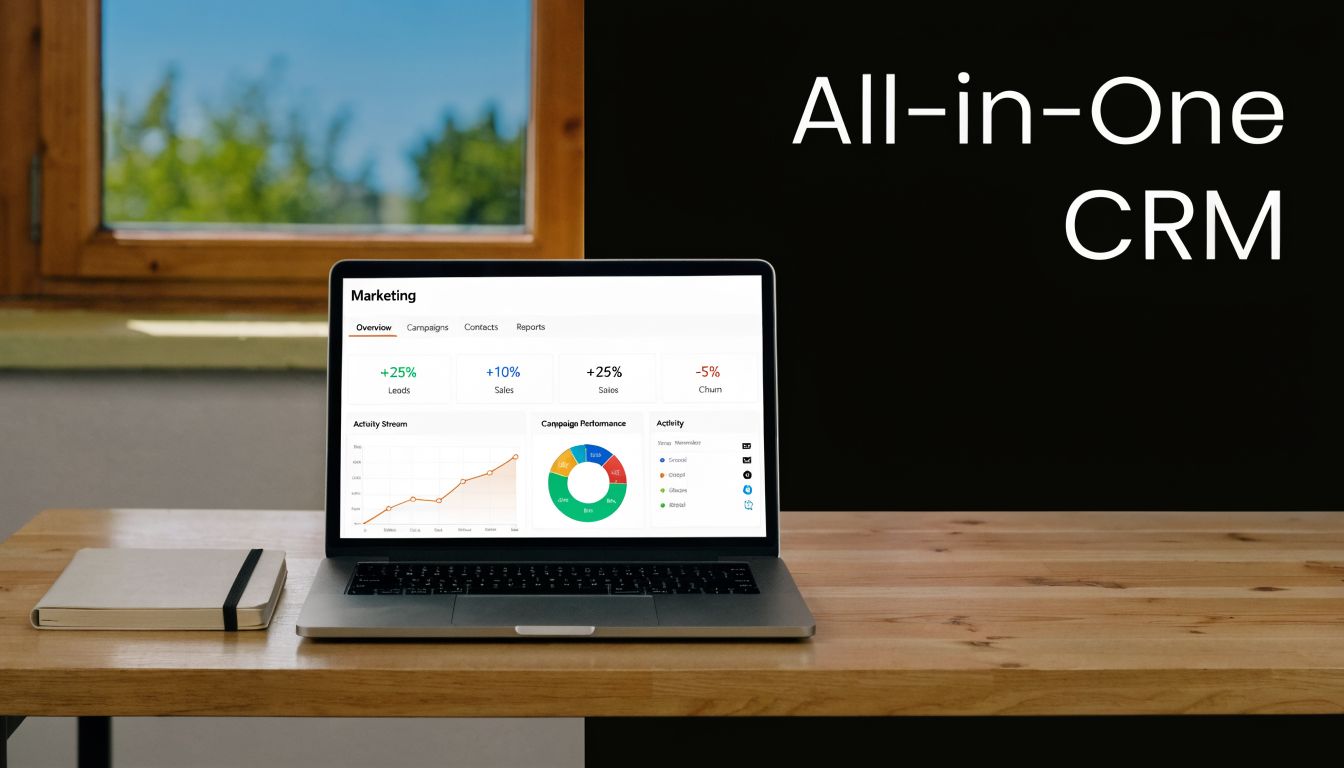
Its main advantage is consolidation. Contact records, forms, email workflows, landing pages, and sales activity live in the same place. For a service business with a longer buying cycle, that can remove a lot of friction. A prospect might download a guide, revisit a service page a few days later, open two nurture emails, and then submit a consultation request. With the right setup, that history is visible to both marketing and sales without patching together several systems.
Where HubSpot makes sense
HubSpot fits best when the business needs process discipline as much as automation. It works well for teams that want clear lead stages, cleaner handoffs, and reporting tied to revenue activity instead of email metrics alone.
The trade-off is cost and complexity. For a very small team that only needs a basic welcome sequence and a newsletter, this type of platform can be more system than the business will use in the first six months. The software pays off when the company is ready to standardize follow-up, maintain cleaner data, and build automations around the sales process instead of isolated campaigns.
Practical rule: Choose HubSpot when you need a shared operating system for marketing and sales.
A strong starting setup usually includes:
- Define lifecycle stages before building workflows: Agree on what counts as a subscriber, lead, marketing qualified lead, and sales qualified lead.
- Segment by buying intent: Group contacts by service interest, source, or funnel stage so automation stays relevant.
- Keep rep alerts narrow: Notify sales on high-intent actions such as repeat visits to pricing or a consultation request, not every email open.
- Build one reporting view that matters to the owner: Start with lead source, conversion path, and qualified inquiry volume.
One caution from implementation work. Small businesses often buy an all-in-one system before they have naming rules, lead definitions, or content mapped to funnel stages. That usually creates messy automations and weak reporting. Automation software performs best when it supports a larger growth system that includes content, analytics, and distribution. If you want a clearer view of that stack, review the technologies that power Direct Online Marketing's services, especially if your goal includes stronger visibility in AI-driven discovery environments such as Gemini and ChatGPT.
2. Mailchimp
Mailchimp remains one of the simplest entry points into marketing automation tools for small business. It’s approachable, familiar to many founders, and usually fast to deploy. That matters when a team needs to launch a basic welcome flow, a lead magnet sequence, or a re-engagement campaign without learning a complex CRM.
Its best use case is a business that needs straightforward email automation and light segmentation. A local service provider can send appointment reminders and nurture new inquiries. A small subscription business can build a welcome sequence, then create targeted campaigns for active versus inactive customers.
What Mailchimp does well
Mailchimp works best when the strategy is simple and the team values speed over depth. It gives small businesses enough to organize lists, build branded emails, and test messages without requiring a long implementation phase.
What tends not to work is forcing Mailchimp into a full-funnel operating system. Once the business wants detailed lead scoring, more advanced behavioral workflows, or tighter sales coordination, the platform can start to feel limited.
A practical setup usually looks like this:
- Build one core welcome sequence: Don’t start with six workflows. Start with one sequence tied to the main signup path.
- Use tags carefully: Keep tagging rules consistent or the account becomes messy fast.
- Test offers, not just subject lines: Small businesses often learn more by testing message angle or incentive than by changing only the headline.
Simple automation beats ambitious automation that never gets finished.
Mailchimp is often the right first tool for a founder-led business, a small nonprofit, or a local brand with a modest contact list. It’s less ideal for teams that expect deep CRM behavior, complex branching logic, or detailed handoff rules between marketing and sales.
3. ActiveCampaign
A common breakpoint shows up after the first few automations are live. The business has a welcome email, maybe a basic follow-up sequence, and then the limits start to appear. Prospects visit pricing or service pages more than once, existing leads go cold, and sales follow-up depends too much on someone remembering to act. ActiveCampaign fits that stage well because it is built for behavior-driven marketing, not just scheduled sends.
Its value comes from how much decision-making you can automate inside one system. Site tracking, event tracking, lead scoring, and CRM workflow tools give a small team more control over timing, message relevance, and handoff rules. For a service business, that can mean separate follow-up paths for a new inquiry, an estimate request, and a stalled prospect. For a B2B company, it can mean treating repeat visits to high-intent pages as a signal worth acting on.
Why ActiveCampaign stands out
The strongest case for ActiveCampaign is not volume. It is precision. Analysts at Digital Applied found that organizations using marketing automation with lead scoring and behavioral triggers see materially higher MQL-to-SQL conversion rates than teams relying on batch email alone. For a small business, that shows up in a practical way: fewer generic follow-ups, better prioritization, and a sales pipeline that reflects actual buying signals.
What tends to work best:
- Behavior-based branching: Trigger follow-ups from page views, form actions, and engagement patterns instead of placing every contact into the same sequence.
- Lead scoring with clear intent rules: Score actions tied to buying interest, such as repeat visits to service pages or request-form activity, not vanity engagement.
- Sales task automation: Create reminders and handoff steps when a lead reaches a defined threshold, so follow-up happens on time.
What tends to break is system sprawl. Teams build workflows faster than they define lifecycle stages, naming rules, or ownership. A complicated automation map can look impressive and still perform poorly if the logic does not match how customers move from inquiry to sale.
A short workflow tied to a real customer decision point usually beats a larger system built around assumptions.
This platform works best for small businesses that are ready to map their funnel with some discipline. If the team cannot define what counts as a qualified lead, which actions indicate buying intent, or when marketing should hand off to sales, the software will expose that weakness fast.
It also pairs well with a broader strategy that connects automation to paid acquisition and channel optimization. Businesses refining those systems can review the PPC optimization tools used by Direct Online Marketing as a practical example of how better signal quality improves campaign decisions across channels. That connection is valuable. Automation performs better when contact data, intent signals, and campaign priorities are aligned, especially as businesses prepare content and workflows for visibility in AI search environments such as Gemini and ChatGPT.
4. Zapier
Zapier isn’t a marketing automation platform in the usual sense. It doesn’t replace email software, CRM, or landing page tools. It connects them. For small businesses with a scattered stack, that can be the most useful function in the entire system.
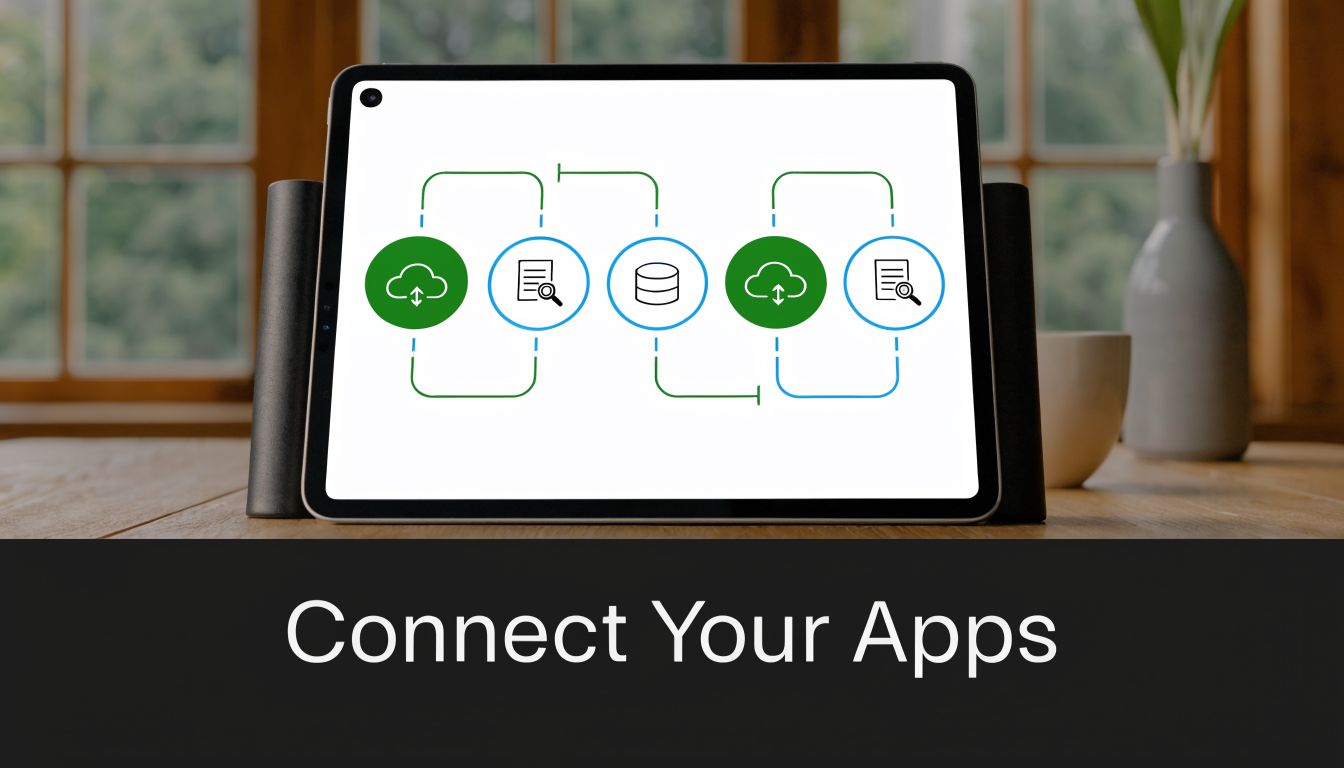
A common small business scenario looks like this: leads come in through a form tool, bookings live in a scheduling app, contacts sit in a CRM, and customer status updates happen in e-commerce or invoicing software. Without a connector, staff ends up doing repetitive handoffs manually. Zapier automates those handoffs so the rest of the stack behaves like one system.
Best use cases for Zapier
Zapier is best when the business already has decent tools but weak coordination between them. It can route leads, sync records, trigger tasks, and reduce the amount of manual cleanup that slows down a small team.
The larger strategic issue is implementation. Small businesses often get sold on broad integration promises, but practical guidance on migration, data standardization, transition planning, and tool consolidation is often missing. That gap is described well in this discussion of small business integration pain points in marketing automation.
Useful Zapier workflows often include:
- Lead routing: Send new leads to the right rep or inbox based on service type or location.
- Contact syncing: Move form submissions into the CRM and email platform automatically.
- Operational alerts: Notify the team when high-intent leads take specific actions.
This short demo helps show how app-to-app logic can support a lean marketing stack:
Zapier works best when used for a few high-volume processes first. It works poorly when a team creates too many automations without naming conventions, error monitoring, or ownership. Businesses that want stronger paid campaign coordination around those workflows can review the tools Direct Online Marketing uses for PPC optimization.
5. Klaviyo
A small online store usually hits the same ceiling at the same time. Traffic is coming in, orders are happening, and email is still being sent as one broad campaign to everyone. That is the point where Klaviyo tends to make sense, because it is built around store behavior rather than general email sends.
Its value comes from how it organizes customer and product data into revenue-focused automations. A retailer can set up browse abandonment, cart recovery, post-purchase follow-up, replenishment reminders, and win-back campaigns without heavy custom development. For a small business, that matters because the team can spend more time improving offers, timing, and creative instead of stitching together manual campaigns.
Klaviyo fits best once a store has enough traffic, order volume, and catalog depth to support segmentation. If only a handful of sales come through each week, there usually is not enough behavior data to build smart lifecycle marketing. If the store has repeat purchase potential, clear product categories, and meaningful differences between first-time buyers and repeat customers, the tool becomes far more useful.
The strongest setups usually focus on a few revenue-driving systems first:
- Behavior tracking: Capture product views, cart activity, purchase history, and timing between orders.
- Segmented lifecycle flows: Treat new subscribers, first-time buyers, repeat customers, and inactive customers differently.
- Offer alignment: Match messages to margin, inventory, and buying intent instead of sending the same discount to everyone.
- Attribution discipline: Use revenue reporting as directional guidance, then check it against paid media, organic traffic, and overall store performance.
There is a trade-off. Klaviyo can be powerful, but it also pushes small businesses to get serious about data quality, list hygiene, and campaign planning. A weak product feed, messy customer records, or constant discounting will limit results no matter how advanced the automation looks.
This section matters for strategy selection too. Small businesses choosing automation tools should not ask only, "What can this platform automate?" They should ask, "Do we have the transaction data, repeat purchase model, and margin structure to make this automation profitable?" That same discipline carries into visibility in AI-driven discovery environments such as Gemini and ChatGPT. If a store wants stronger presence there, automation should support a clear content and customer insight strategy, not replace it.
Klaviyo is usually a poor fit for businesses that do not sell through an online store or do not have a strong retention model. Service firms and consultancies often pay for e-commerce features they will rarely use.
6. ConvertKit
ConvertKit fits a different kind of small business. It’s strong for creators, coaches, consultants, course businesses, and newsletter-led brands that monetize through audience trust rather than a traditional sales team. In those models, the email list is often the main asset, so simplicity matters.
Its automation style is lighter than a CRM-heavy system, but that’s often the point. A consultant can tag subscribers based on which guide they downloaded. A course creator can trigger onboarding after purchase and send targeted pitches to readers who clicked on a specific topic.
Where ConvertKit fits best
ConvertKit works when the business needs clean audience management, straightforward automation, and product-driven email sequences without a lot of sales-process complexity. It’s especially useful for founder-led brands that publish regularly and want the list to support both engagement and revenue.
What tends to work:
- Tag-driven segmentation: Organize readers by topic interest, offer type, or engagement level.
- Simple nurture sequences: Build clear paths from free content to paid offer.
- Landing pages tied to offers: Keep signup friction low and connect forms directly to relevant sequences.
What doesn’t work is trying to turn ConvertKit into a full sales operations platform. If the business needs detailed pipeline stages, lead scoring, and rep-based follow-up, another platform will usually fit better.
A creator business usually needs cleaner messaging and better audience paths, not more software layers.
For digital product businesses, ConvertKit is often enough. For multi-touch B2B selling, it usually isn’t.
7. GetResponse
A small business often reaches the same point. Email lives in one tool, landing pages in another, webinars in a third, and follow-up depends on whether someone remembered to connect everything. GetResponse fits businesses that want those pieces under one roof and are willing to accept a few limits in exchange for simpler execution.
It tends to work best for companies that sell through education first. That includes consultants, training businesses, agencies, and service firms that rely on lead magnets, live demos, workshops, or webinar follow-up to create demand. In those cases, the value is less about having every advanced feature and more about keeping the funnel connected from signup to conversion.
Best fit for GetResponse
GetResponse makes sense when the marketing process is linear and repeatable. A prospect signs up for a page, registers for an event, gets reminders, receives follow-up based on attendance, and moves into a nurture or booking sequence. That is a practical setup for small teams because it reduces handoffs and cuts down on tool sprawl.
The trade-off is clear. Consolidation usually improves speed and consistency. It does not always give the business the depth it may want later in CRM structure, reporting detail, or cross-team workflow design.
A useful setup usually includes:
- One clear conversion path: Build around a single offer, such as webinar to consultation, demo to proposal, or lead magnet to sales call.
- Behavior-based follow-up: Split contacts based on whether they registered, attended, clicked, or booked.
- Tight message alignment: Keep the promise in the ad, page, event, and email sequence consistent.
This matters beyond campaign efficiency. Small businesses choosing automation tools should also consider how the system supports visibility in AI-driven discovery environments such as Gemini and ChatGPT. If the funnel captures the right audience signals, keeps messaging consistent, and produces focused educational content, the business is in a better position to pair automation with expert strategy later. Tools can route leads and trigger follow-up. They do not replace strategic positioning.
GetResponse starts to strain when the business needs a deeper sales operating system, complex lead routing, or automation logic shared across multiple departments. For a focused education-based funnel, it can be a strong middle-ground choice.
8. Marketo Adobe Marketo Engage
A small business usually reaches for this platform after a painful stretch of growth. Leads are coming in from several channels, sales wants cleaner scoring, marketing needs attribution that goes beyond last-click reporting, and operations is tired of patching process gaps by hand. At that point, a lighter automation tool can start to feel less like a cost saver and more like a constraint.
That is the context where Marketo becomes a serious option. It is built for companies with longer sales cycles, multiple stakeholders, and a need to manage buying activity at both the contact and account level. For a B2B team selling high-consideration services or complex products, that can be a meaningful shift.
The trade-off is implementation weight. This system asks for clear process design, data discipline, and internal ownership. A business that still has unclear lifecycle stages, inconsistent follow-up, or weak offer positioning will not fix those problems by buying a bigger platform. It will automate the confusion.
Marketo tends to fit best when the business needs a few specific things at once:
- More granular lead scoring: Score based on fit, behavior, account activity, and sales-readiness signals.
- Cross-team workflow control: Coordinate marketing, sales, and operations around shared definitions and routing rules.
- Stronger attribution structure: Track how campaigns influence pipeline across a longer buying journey.
- Governance: Standardize programs, permissions, reporting, and handoffs across a larger team.
That makes it less of a beginner tool and more of an operating system for a maturing revenue team.
There is also a strategic angle small businesses often miss. If the company wants stronger visibility in AI-driven discovery environments such as ChatGPT and Gemini, the platform choice matters less than the system around it. Automation can capture engagement signals, segment audiences, and route follow-up based on intent. It cannot create authority, clear positioning, or publish the kind of expert content that gets cited and summarized in AI answers. Businesses that pair automation with a defined content and visibility strategy are in a better position to turn demand into qualified pipeline.
For the right company, Marketo can support that larger system well. For the wrong company, it adds cost, training burden, and administrative overhead before the fundamentals are in place. That is the core decision. Not whether the platform is powerful, but whether the business is ready to use that power with discipline.
Top 8 Marketing Automation Tools for Small Businesses, Comparison
| Tool | Core focus / Features | UX & Quality (★) | Unique selling point (✨ / 🏆) | Ideal audience (👥) | Price / Value (💰) |
|---|---|---|---|---|---|
| HubSpot Marketing Hub | All‑in‑one marketing + integrated CRM, automation, analytics | ★★★★☆ intuitive, strong support | ✨Integrated CRM + predictive analytics, 🏆 inbound platform | 👥 SMBs seeking unified sales + marketing | 💰Free tier; can be expensive at scale |
| Mailchimp | Email-first automation, templates, basic CRM, e‑commerce plugs | ★★★★☆ very beginner‑friendly | ✨Freemium + best‑in‑class templates, 🏆 affordability | 👥 Startups & small businesses | 💰Very affordable entry; costs rise with audience |
| ActiveCampaign | CXA: advanced automation, behavioral triggers, CRM | ★★★★☆ powerful; steeper learning curve | ✨Behavioral automations & AI send‑time, 🏆 workflow depth | 👥 Growing SMBs needing sophisticated automation | 💰Mid‑range; scales by features |
| Zapier | No‑code integrations & workflow automation across apps | ★★★★☆ quick setup; logical complexity | ✨Connects 1000+ apps; flexible automation backbone, 🏆 extensibility | 👥 Teams with multi‑tool stacks | 💰Free tier; task limits; can get costly |
| Klaviyo | E‑commerce CDP + email & SMS, predictive product recs | ★★★★☆ commerce‑optimized, data‑heavy | ✨Deep Shopify/Woo integration + predictive ML, 🏆 e‑commerce focus | 👥 DTC & online retailers | 💰Higher cost per contact; high ROI potential |
| ConvertKit | Creator‑centric email, subscriber tagging, product delivery | ★★★★☆ simple, creator‑friendly | ✨Creator commerce + subscriber network, 🏆 monetization for creators | 👥 Creators, coaches, course creators | 💰Transparent plans; fixed pricing model |
| GetResponse | All‑in‑one: email, funnels, webinars, e‑commerce | ★★★★☆ feature‑rich; can feel cluttered | ✨Webinar + funnel integration in one, 🏆 full‑funnel platform | 👥 SMBs needing webinars & funnels | 💰Competitive pricing with generous features |
| Marketo (Adobe) | Enterprise ABM, advanced scoring, multi‑touch attribution | ★★★★☆ enterprise power; complex | ✨ABM + Adobe Sensei predictive AI, 🏆 enterprise B2B leader | 👥 Mid‑market → Enterprise B2B | 💰High cost + implementation overhead |
Final Thoughts
A small business usually reaches the same point sooner than expected. Leads are coming in from several places, follow-up is inconsistent, and nobody is fully sure which campaigns are producing revenue. At that stage, the right automation setup is less about feature count and more about fit. The best choice is the one your team can run well, measure clearly, and improve over time.
Selection should start with three questions. What customer journey needs attention first. Who on the team will own the system after setup. How will success be measured beyond open rates and click rates. Clear answers prevent a common mistake. Buying software built for a more complex operation than the business has today.
The tools covered in this article solve different problems, but the bigger lesson is strategic. Automation only works when it supports a defined growth model, clean data practices, and a reporting approach tied to pipeline or sales. Small businesses also need to prepare for a search environment where prospects increasingly discover brands through AI-generated answers, not only through traditional search results. That changes how content, attribution, and visibility should be planned.
ROI measurement is still a weak point for many small teams. This discussion of underserved ROI measurement needs for SMB automation buyers explains the gap well. Reporting dashboards can show activity. They do not automatically tell an owner which automations deserve more budget, which content assists conversion, or where manual intervention still outperforms software.
Strategy closes that gap.
A good advisor or agency does more than configure workflows. The work includes deciding what should stay manual, what deserves automation first, how lead stages should be defined, and how content should be structured so the business can earn visibility in systems like ChatGPT and Gemini. That broader operating view matters more than any single platform decision, especially for small teams with limited time and uneven data.
As noted earlier, some businesses look for outside help that combines SEO, paid media, analytics, content strategy, and conversion planning under one operating model. That kind of support is useful when the goal is not only to automate messages, but to build a marketing system that can adapt as channels and discovery habits change.
Small businesses do not need a perfect setup on day one. They need a workable first system, disciplined measurement, and a strategy that keeps automation tied to growth.